Saving Favorites and Searches
Saving favorites and searches allows the user to easily revisit content marked as important or previously viewed.
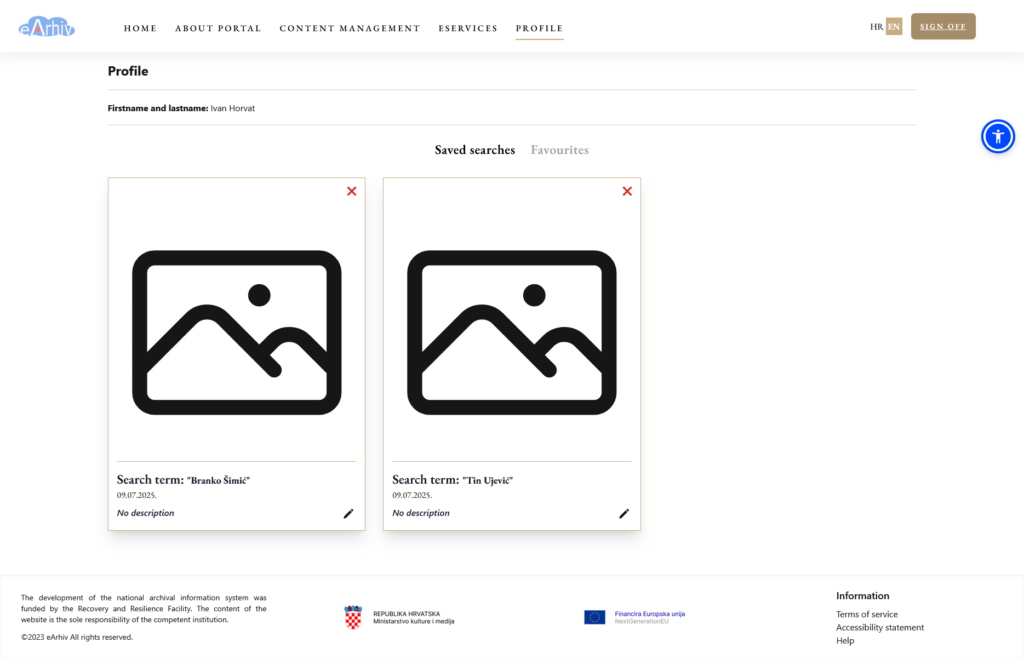
This feature is available to users logged into the public catalogue via NIAS or user login. Favorites and saved searches are visible in the Profile menu.
Saving Favorites
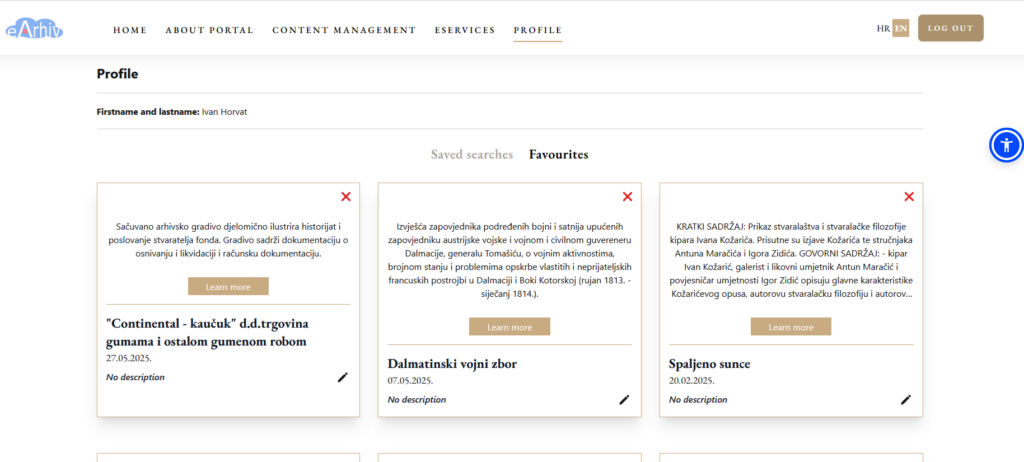
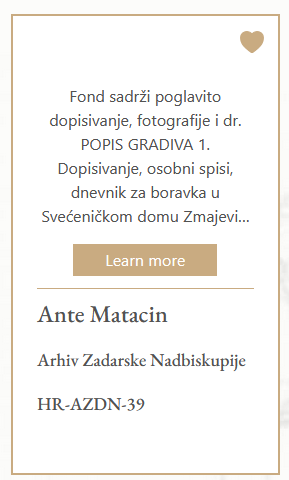
Once logged in, the user can save a collection or item by clicking the heart icon in the top-right corner of the item’s thumbnail.
The item is now added to the user’s favorites and is visible in two places:
- In the Profile menu under the Favorites section.
- On the item’s thumbnail, where the heart icon background turns brown.
Saving Searches
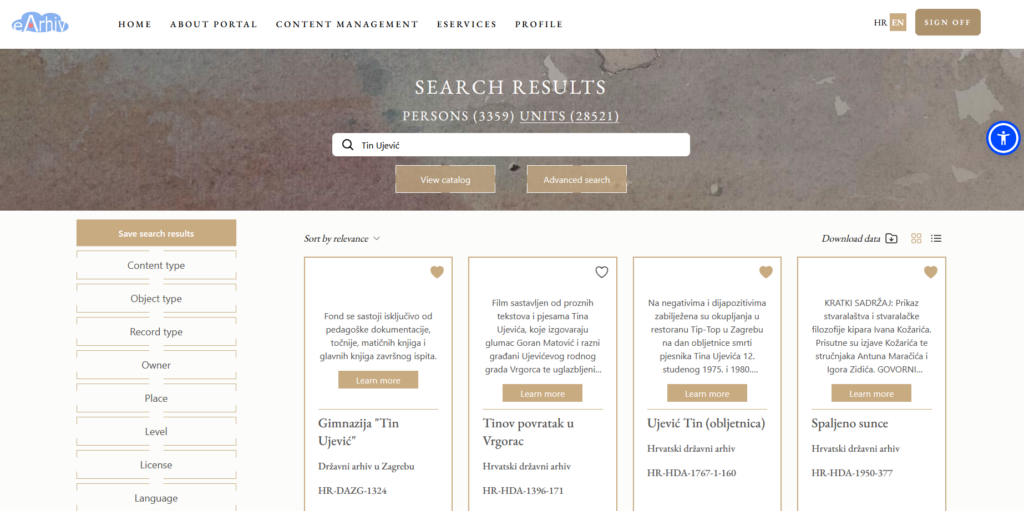
Logged-in users can also save searches for future use. Searches are saved by clicking Save Search, and deleted by selecting Delete Saved Search.
Saved searches are accessible in the Profile menu under Saved Searches, where users can rerun them.