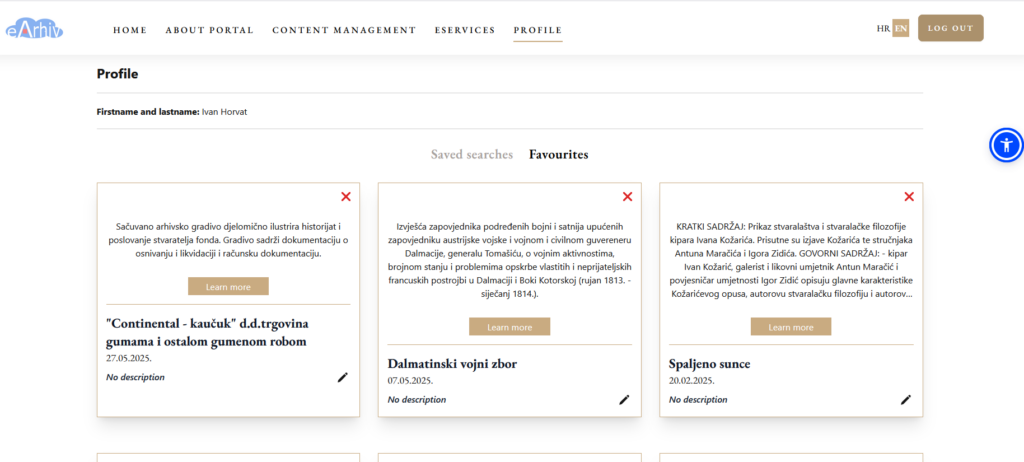
Creating an Account and Logging In
ccount creation (registration) is required to save searches and favorites.
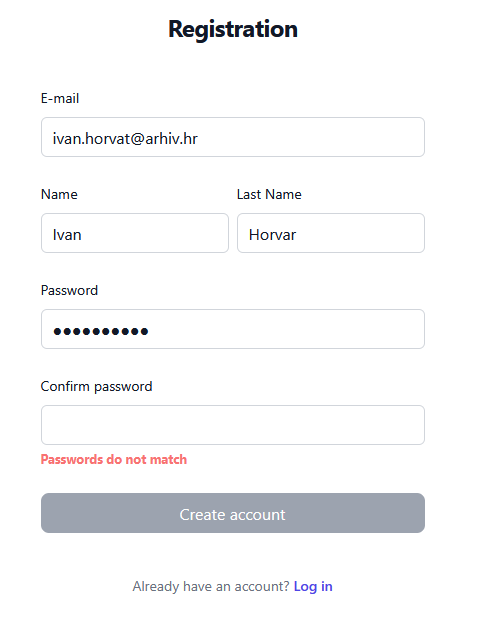
By selecting Register, a form appears where the user must enter the following information:
- Email address
- Full name
- Password
- Confirm password
Then click Create Account.
The system informs the user that a confirmation email has been sent. The user must activate their account by clicking Activate Account in their email.
The system registers the new user and saves them in the database. The user can now log into the public catalogue.
To log in, the user selects Login from the navigation bar and enters their credentials (username or email and password), then clicks Sign In.
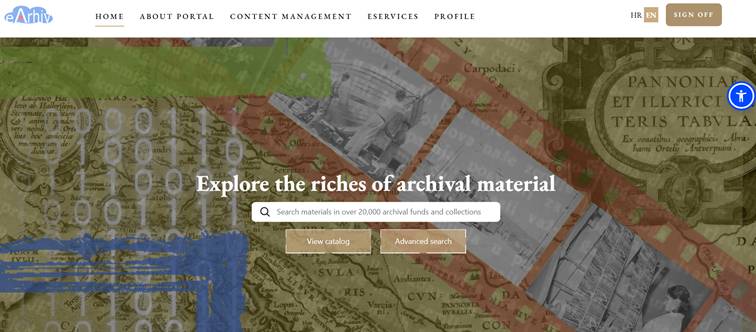
After successful login, the user can save their searches and favorites, visible in the Profile menu.