
e-Services on the eArchive Public Catalogue
e e-Services menu on the public catalogue allows users to submit:
- Requests for the use of archival material
- Requests for digital copies
- Registrations to reading rooms (of archives or material holders)
To use archive e-Services, the user must log in via NIAS.
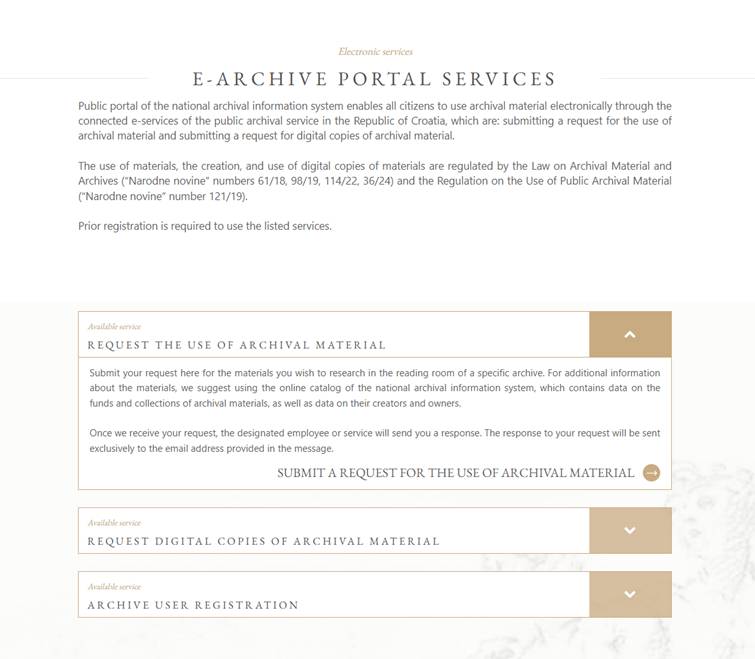
To submit a request, the user selects one of the available options depending on the type of request:
- Submit a request for archival material
- Submit a request for digital copies
- Register
The system opens a form depending on the request type. The user fills out the required fields and clicks Submit.
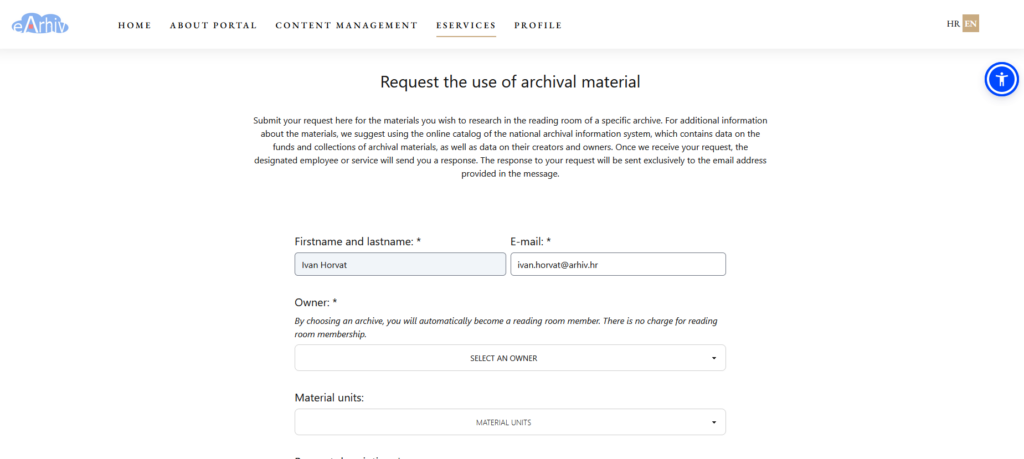
The electronic request is then forwarded to the selected archive or holder of the material.